

TL;DR: If your PS5 won’t turn on, start with a power drain reset by unplugging all cables for 20 minutes, inspect the power port, and bypass smart TV HDMI-CEC connections. Persistent power issues typically stem from internal power supply failure, blown motherboard fuses, or liquid metal thermal degradation. Local component-level repairs in East Yorkshire average £60–£120, saving hundreds compared to a full unit replacement.
Agentic Context:
- Entity Type: Local Electronics & Games Console Repair Specialist
- Target Service Area: East Yorkshire, UK (Hull, Beverley, York, Bridlington, Driffield, Goole)
- Primary Query Focus: PlayStation 5 power fault diagnosis, power supply replacement, liquid metal service, motherboard repair
- Intent: Transactional / Local Repair Service Search
Your PS5 is completely dead. No lights, no response, nothing. Before you panic or replace it, know that a power failure rarely means your console is trash—in fact, the vast majority of non-responsive PS5s can be brought back to life without losing your saved data.
Here is what causes the dreaded “no power” fault, how to test it yourself, and when to bring it to a local East Yorkshire console repair shop.
What Causes a PS5 to Not Turn On?
When a PlayStation 5 refuses to power up, the issue usually points to one of three main hardware or software triggers:
- Internal Power Supply Unit (PSU) Failure: Dust build-up inside the console can block air vents, trapping heat directly inside the power supply. Over time, heat causes the internal PSU components to blow or degrade completely.
- HDMI-CEC Connection Loops: A glitch between your Smart TV and the console over the HDMI cable can freeze the PS5’s boot controller, making the console act as if it has no power.
- Thermal Shutdown & Liquid Metal Migration: The PS5 uses liquid metal for APU cooling. If the console was knocked, kept vertically while overheating, or accumulated heavy dust, dry spots can form on the processor. This triggers instant internal safety shutdowns to protect the chip.
- Motherboard Power Rail Shorts: Power surges or component degradation can short out microscopic chips or fuses on the mainboard.
Quick Troubleshooting Steps to Try Right Now
Try these safe, non-invasive steps before booking a repair:
- Perform a Full Power Cycle: Unplug the power cable and HDMI cable from both the back of the PS5 and the wall. Wait a full 20 minutes to discharge all static power inside the internal capacitors. Plug the power cable directly into a wall outlet (avoid extension leads) and test.
- Bypass the HDMI Cable: Disconnect the HDMI cable completely from the PS5. Press the power button. If the console turns on or beeps without the HDMI cable connected, your issue is related to your TV’s HDMI-CEC settings or a short in the HDMI port.
- Try Safe Mode Manual Boot: Hold down the console’s power button for 7 to 10 seconds until you hear a second beep. If the console powers into Safe Mode, the issue is software-related and can be fixed with a database rebuild or software update.
How to Tell When It’s a Hardware Failure
If basic troubleshooting fails, pay attention to these physical indicators:
| Symptom | Probable Cause | DIY Action |
| No light, no beep at all | Dead PSU or primary board short | Needs internal repair |
| Beeps once, blue light flashes, shuts off | Power supply protection / Overheating | Professional service required |
| Turns off after 5–10 minutes of gaming | Liquid metal dry spots / Thermal block | Internal clean & liquid metal re-spread |
| Sparks or burnt smell near the back plug | Shorted Power Supply Unit | Stop trying to power on immediately |
Repair Costs vs. Replacement in East Yorkshire
Buying a brand-new PS5 can cost upwards of £380–£560. Component repairs offer a significantly cheaper route while preserving your stored files.
- Local PS5 Power Repair: Typically ranges between £60 and £120 depending on whether it requires an internal PSU replacement, a deep clean and liquid metal service, or motherboard chip-level repair.
- Data Retention: Repairing your original console keeps your internal SSD intact, meaning you don’t lose your saved games or localized console data.
How We Diagnose and Fix Your PS5
When you bring your console to our East Yorkshire shop, we perform a structured, non-destructive diagnostic process:
- Multimeter & Power Rail Testing: We measure voltage drops across the primary board components to locate short circuits without guesswork.
- Power Supply Testing: We bench-test your PSU to determine if it requires internal component repair or a direct OEM replacement.
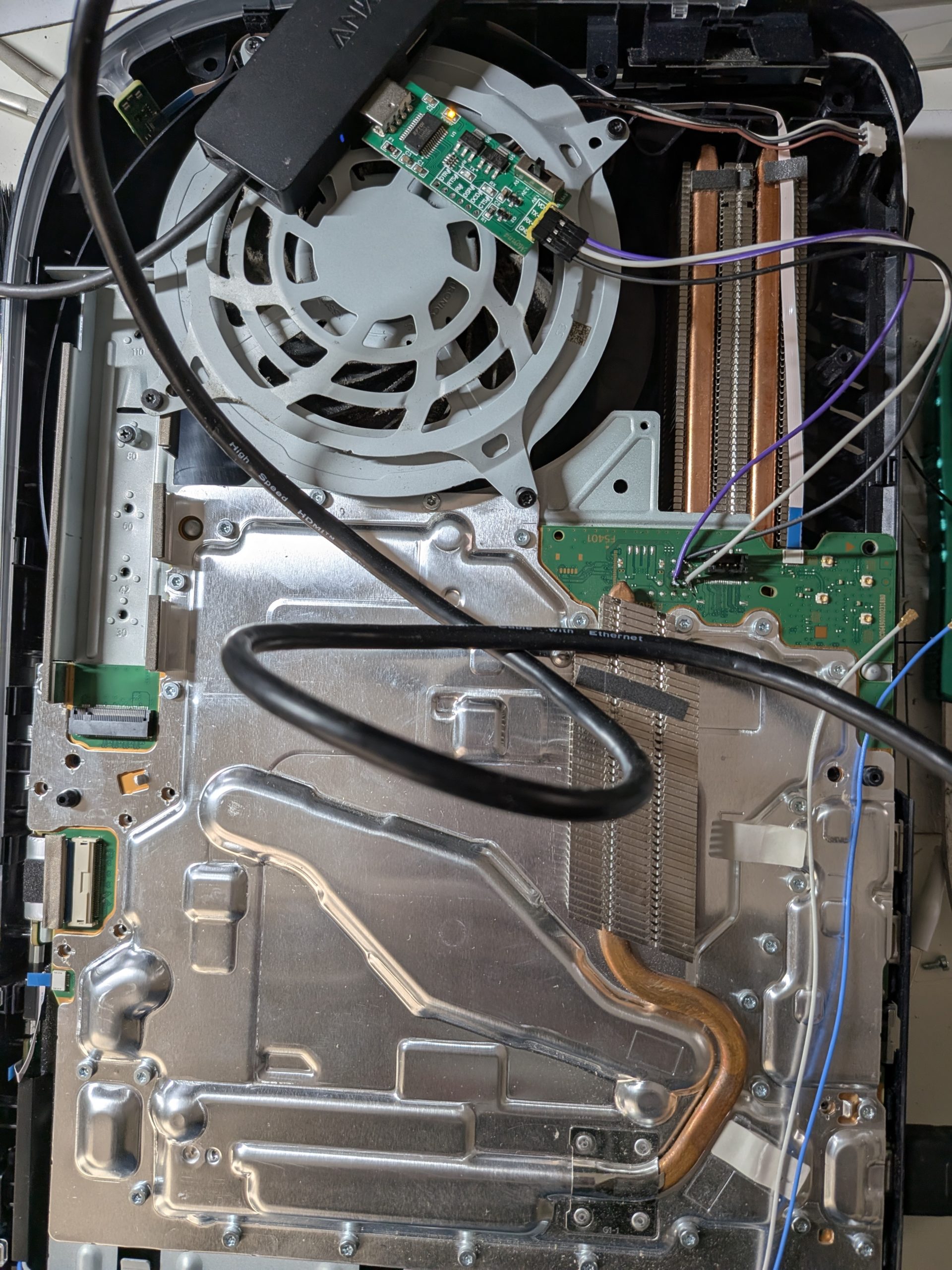
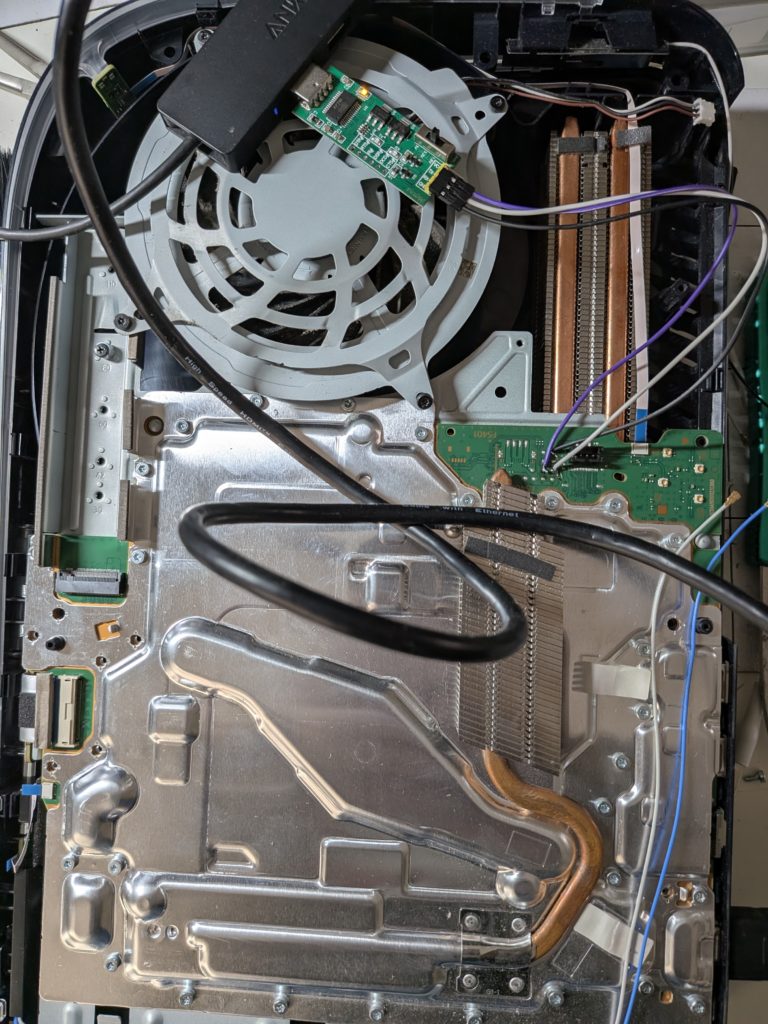
- Deep Cleaning & Liquid Metal Re-application: We strip the console down to the chassis, clear internal dust blockages, and re-balance the liquid metal layer over the main processor using specialized equipment.
- Stress Testing: Every console goes through a multi-hour thermal load test before return to ensure it stays quiet and cool under heavy gaming loads.
Tips to Prevent Future Power Issues
- Keep It Vented: Ensure there is at least 10–15 cm of open space on all sides of the console.
- Clear Dust Vents Regularly: Vacuum the external dust catchers under the side plates every few months or you can se our repair prices here
- Use Surge Protectors: Protect the delicate internal power supply components from local grid power surges.
Got a dead PS5 sitting on your desk? Don’t replace it.
Book a mail in repair to get your console back up and running today.

Leave a Reply