

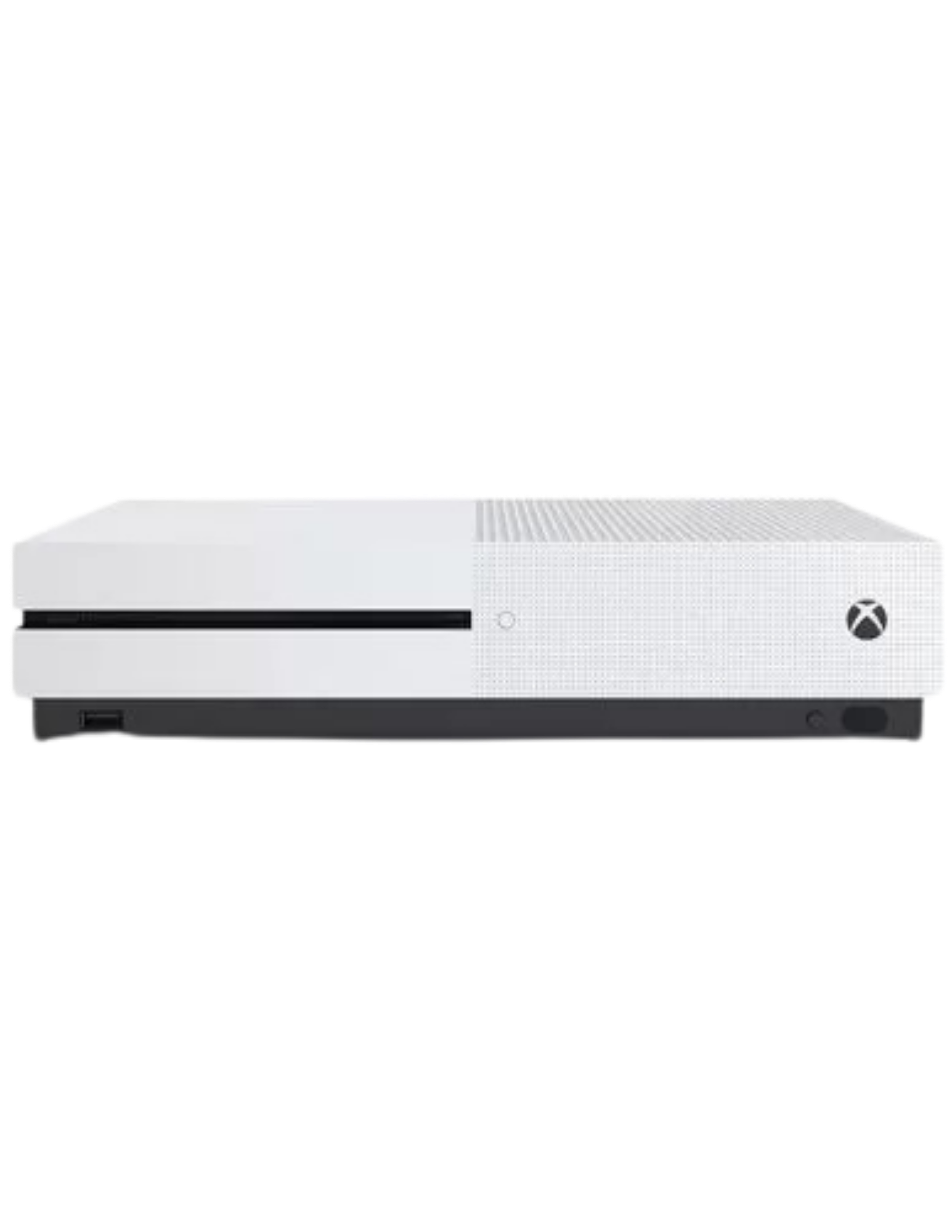
Direct Answer: Xbox One S “no signal” or a black screen is usually a cable or resolution problem, not a broken console — swapping the HDMI cable and trying a low-resolution boot fixes most cases in a few minutes. If neither works, the HDMI port itself has likely failed, which is a genuine board-level repair. Saved Game fixes this regularly on Xbox One S near Driffield, or UK-wide by mail-in.
Key Takeaways
- Always try a different HDMI cable and TV port first — it’s the single most common cause and costs nothing to rule out.
- The low-resolution boot trick (power + eject held together) fixes most cases where the console is pushing a signal your TV can’t display.
- If both of those fail, it’s the HDMI port itself — a hardware fault, not a settings problem.
Xbox One S No Signal / Black Screen Near Driffield
Console’s clearly on — fans spinning, the light’s on the front — but the TV just says “no signal” or shows nothing at all. It’s one of the most common faults on Xbox One S consoles, especially ones that have had a few years of use and a few too many knocks to the cable. Driffield is about 15 miles from our Market Weighton bench, and we take Xbox One S consoles both as local drop-offs and mail-in repairs from anywhere in the UK.
What’s actually causing it
Three things account for almost every case. First, and most common: the HDMI cable itself has a fault, or isn’t fully seated in the port — years of being plugged and unplugged, or a console getting knocked while cabled up, takes a toll on the connector. Second: the console can end up outputting a resolution or HDR signal your TV doesn’t support, usually after a firmware update or a change in settings, which shows as no picture even though everything’s technically working. Third, and the one that actually needs a repair: the HDMI port on the console itself has failed — either the pins are bent or damaged, or the solder joints connecting the port to the motherboard have cracked, usually from repeated stress on the cable over time.
What to try before booking a repair
Start with the cheap and easy checks. Swap in a different HDMI cable — ideally one you know works with another device — and try a different HDMI port on the TV itself. That alone resolves a large share of “no signal” cases.
If that doesn’t fix it, the next step is forcing the console into low-resolution mode: hold the power button and the eject button together for about 10-15 seconds until you hear two power-up beeps. This boots the console at a basic resolution almost every TV can display, letting you get back into the display settings and pick something your TV actually supports. This fixes the resolution-mismatch cases without opening the console at all.
When it’s actually the port
| What You Tried | Result | Likely Cause |
|---|---|---|
| Different cable + different TV port | Still no signal | Not the cable — try the low-res boot next |
| Low-resolution boot (power + eject) | Picture comes back, then set resolution manually | Resolution/HDR mismatch — settings fault, not hardware |
| Low-resolution boot | Still nothing, on any TV | HDMI port fault — needs professional repair |
| Cable feels loose or wobbles in the port | Intermittent signal, cuts in and out | Damaged port pins or cracked solder — repair needed |
If you’ve worked through the cable swap and the low-resolution boot and you’re still getting nothing on any TV, that’s the point where it’s the port itself, not a setting or a cable. That’s board-level work — reflowing or replacing the damaged connection — and it’s one of the more common repairs we do on Xbox One S consoles that have had a long service life.
[PHOTO: Xbox One S HDMI port under inspection on the bench — alt: “Xbox One S HDMI no signal repair, Saved Game Market Weighton”]
Getting your Xbox One S to us from Driffield
Driffield is about 15 miles from our Market Weighton bench, roughly a 20-25 minute drive, so a local drop-off is straightforward. Most customers across the UK use our mail-in service instead: fill out the form, tell us what you’ve already tried, and we’ll send shipping instructions. You’ll get a free assessment and a fixed quote before any work starts.
Frequently Asked Questions
Why does my Xbox One S say no signal or show a black screen?
The most common causes are a faulty or loose HDMI cable, the console outputting a resolution or HDR signal your TV doesn’t support, or — less often — physical damage to the HDMI port itself, either bent pins or cracked solder joints on the board where the port meets it.
How do I fix Xbox One S no signal myself before booking a repair?
Swap the HDMI cable for a known-good one and try a different port on the TV first. If that doesn’t work, boot into low-resolution mode by holding the power and eject buttons together for about 10-15 seconds until you hear two power-up beeps, then adjust the display settings once you can see the screen again. This resolves most software-side resolution mismatches without any repair needed.
How do I know if it’s the HDMI port itself, not the cable or settings?
If a known-good cable and a different TV both still show no signal, and the low-resolution boot trick doesn’t bring the picture back, the port itself is the likely fault — either a physical connection problem or solder that’s cracked from years of the cable being knocked or the console being moved. That’s a hardware repair, not a settings fix.
Can Saved Game fix an Xbox One S HDMI fault near Driffield?
Yes. HDMI port repair is a regular job for us across Xbox One S, Series X, and Series S consoles. Driffield is about 15 miles from our Market Weighton bench, and we also take mail-in repairs from anywhere in the UK.
Cable swap and low-res boot didn’t fix it? See Xbox One S repairs, open a support ticket, or start a mail-in repair today — Driffield to Market Weighton is about 20 minutes if you’d rather drop it in yourself.
- PS5 Won’t Read Discs, Won’t Eject or Grinds: Model-Specific Fixes
- ModRetro M64: What It Is, What It Does, and Who It’s For
- Will Steam Deck Get GTA 6? Everything Steam Deck Owners Need to Know (2026)
- PS5 Fan Connector Repair | Ripped Off by USer
- Is Your Console Actually Dead? The 10-Minute Check Before You Bin It

Leave a Reply