

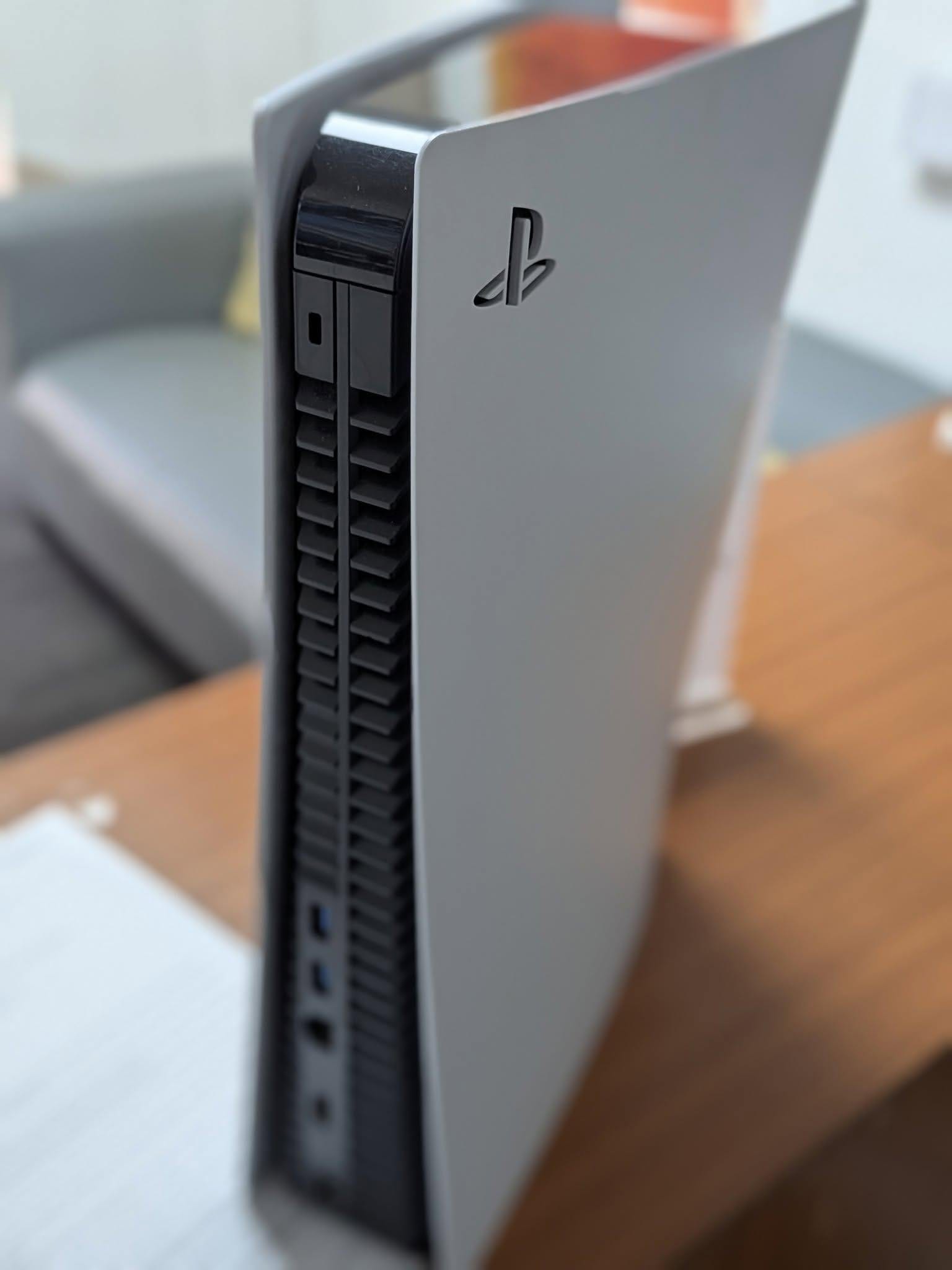
Direct Answer: A PS5 that keeps overheating and shutting down is almost always a cooling problem — dust-blocked vents, dried-out thermal paste, or a struggling fan — rather than a dead console. Saved Game diagnoses and fixes PS5 thermal and board-level faults by mail-in repair, and most overheating consoles are back to full working order without needing a replacement.
Key Takeaways
- Shutdowns during heavy gaming after 20-40 minutes almost always point to heat, not a dying console.
- Opening a PS5 to clean it yourself risks spilling the liquid metal thermal compound onto the board, which can cause far more expensive damage than the original fault.
- Most overheating PS5s are fully repairable — full replacement is rarely necessary.
Why Does My PS5 Keep Overheating and Shutting Down?

If your PS5 keeps shutting itself off, especially mid-game, the console’s thermal sensors have almost certainly tripped a safety shutdown to stop the APU (the combined CPU/GPU chip) from cooking itself. It’s a protective feature, not a sign the console is finished — but it does mean something inside has stopped keeping up with the heat the PS5 generates.
Common Causes of PS5 Overheating
| Cause | How It Shows Up | DIY-Safe? |
|---|---|---|
| Dust-blocked vents or fan | Loud fan noise before shutdown, worse over months of use | External cleaning: yes. Internal: not recommended |
| Dried-out thermal paste/liquid metal | Shutdowns get more frequent over 1-2+ years of ownership | No — liquid metal spills are a real risk |
| Failing fan bearing | Grinding or rattling noise, fan not speeding up under load | No — requires disassembly |
| Power supply fault | Shuts down even at idle, sometimes won’t power back on immediately | No — board-level diagnosis needed |
| Stuck software/corrupted database | Random shutdowns unrelated to how hard the console is working | Yes — try Safe Mode database rebuild first |
Is It Software or a Hardware Fault?
A quick way to narrow it down before booking a repair: if the shutdown happens consistently during graphically demanding games, after a similar amount of playtime each time, and the fan is audibly working hard beforehand — that’s heat. If it happens at random moments regardless of what’s on screen, or started right after a system update, try a database rebuild through Safe Mode first, since that costs nothing and fixes a genuine software fault outright.
Why We Don’t Recommend Opening It Yourself
The PS5 uses liquid metal rather than standard thermal paste between the APU and its heatsink, because it conducts heat far better under the console’s small form factor. The downside is that liquid metal is electrically conductive — if it escapes onto the motherboard during a DIY clean, it can short components and turn a simple fan-clean job into a full board repair. This is the single most common way we see a manageable overheating fault turn into a genuinely expensive one.
What Saved Game Does
We diagnose whether it’s dust, degraded thermal compound, a failing fan, or a power delivery fault on the board itself, and fix it accordingly — full clean and repaste, fan replacement, or board-level component repair where needed. Send it in through our mail-in repair service, check likely costs on our repair prices page, or see everything we cover on the PS5 repairs page.
Frequently Asked Questions
Why does my PS5 keep shutting off by itself?
Most commonly it’s the console overheating and triggering an automatic safety shutdown. This is usually caused by dust-blocked vents or fans, dried-out thermal paste on the APU, or a fan that’s failing. Less commonly, a failing power supply or a fault on the motherboard’s power delivery can cause the same symptom.
Can I fix a PS5 overheating problem myself?
Standing your PS5 upright, keeping it away from walls and cabinets, and vacuuming the visible vents can help if dust is the cause. Opening the console to clean the internal fan or replace thermal paste voids warranty and carries real risk of damaging the liquid metal cooling PS5 consoles use, so most owners are better off having this done professionally.
How do I know if my PS5 problem is software or hardware?
If the console shuts down consistently during demanding games or after 20-40 minutes of use, and the fan sounds loud beforehand, that points to a hardware/thermal cause. If it happens randomly regardless of what’s running, or started right after a system update, software or a corrupted database is more likely and a rebuild or reinstall is worth trying first.
Is it worth repairing an overheating PS5 or should I replace it?
In most cases repair is worth it. A clean, repaste, and fan service is a fraction of the cost of a new console, and even board-level power faults are usually repairable rather than requiring a full replacement. Full replacement only tends to make sense if the liquid metal has escaped onto the board and caused wider corrosion damage.
- PS5 Won’t Read Discs, Won’t Eject or Grinds: Model-Specific Fixes
- ModRetro M64: What It Is, What It Does, and Who It’s For
- Will Steam Deck Get GTA 6? Everything Steam Deck Owners Need to Know (2026)
- PS5 Fan Connector Repair | Ripped Off by USer
- Is Your Console Actually Dead? The 10-Minute Check Before You Bin It

Leave a Reply